App redesign concept pass

Your week changed. Your app should show what changes next.

A handful of HTML concepts translating the current PocketCoach website brand into the mobile app: cobalt, calendar-first, coach-led, and practical enough for daily training decisions.

Chat creates the plan
Calendar makes it executable
Training data closes the loop
5app areas explored as visual concepts
31baseline screenshots available in this pack
8pxoperational card radius to match the sharper website system
Voltreserved for success and high-signal moments

Concepts for the app screens that carry the product promise.

Each concept pairs an old baseline screen with a possible new direction. These are not final UI specs; they show the intended design language before implementation.

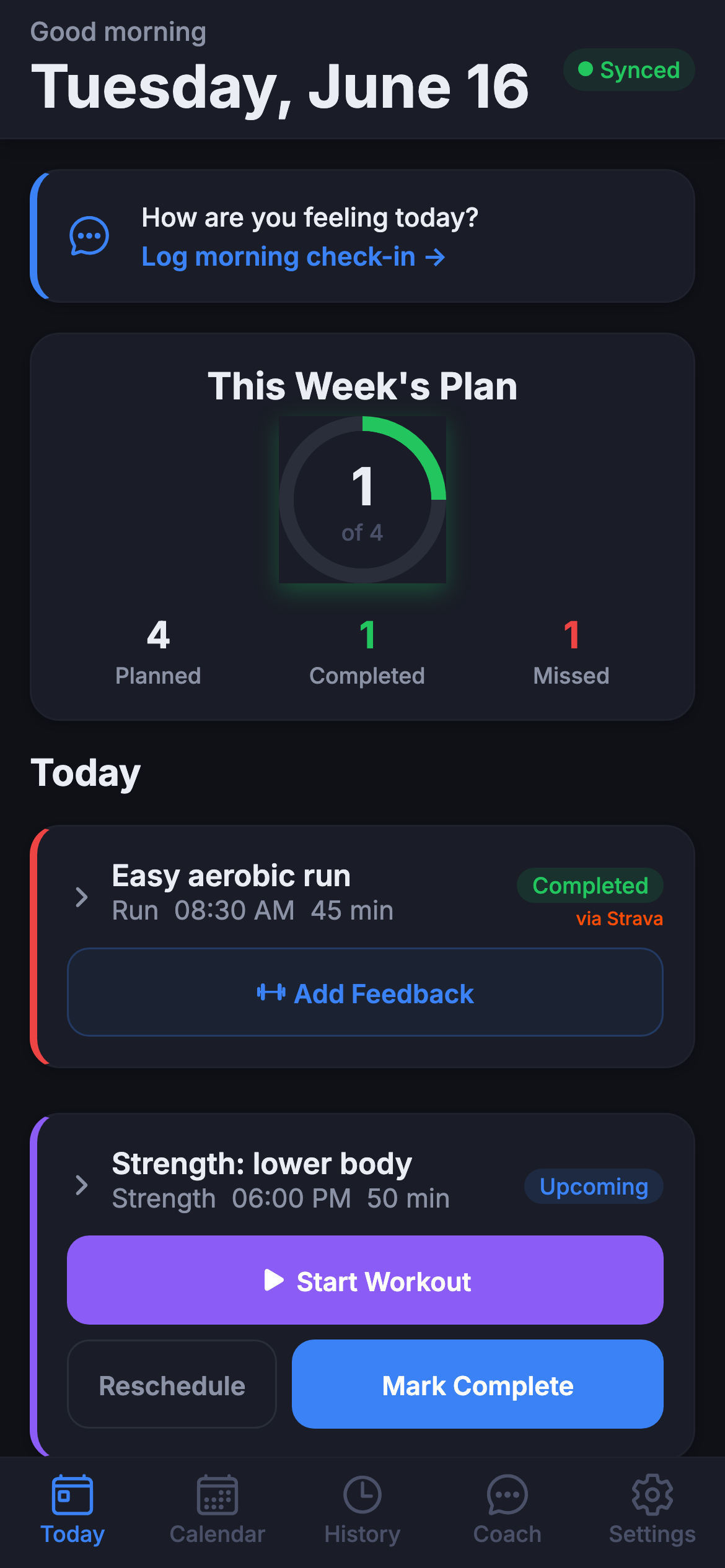
Baseline Current Today dashboard screenshot
Concept 01
9:41100%

Today

Plan adjusted
Next session

Easy run, moved to 18:30

45 min · Z2 · Phoenix Park Run
Start session
Coach context

You slept 6h 10m and pushed yesterday’s ride. Keeping this easy protects tomorrow’s workout.

07:30
Check-in saved
Low sleep, normal soreness
18:30
Run moved
Calendar conflict resolved
Wed
Workout protected
Intervals session unchanged
TodayCalendarCoachHistorySettings

Today becomes the decision surface.

The app should answer: what should I do next, why did it change, and what does the coach need from me?

  • Primary card uses cobalt/Abyss for the next executable session.
  • Volt appears only when the plan has changed or an action is complete.
  • Timeline receipts make the coaching loop visible without long copy.
Baseline Current Coach conversation screenshot
Concept 02
9:41100%

Coach

AI disclosed
I missed the run and only have 35 minutes tomorrow.
Got it. I can protect the week by shortening tomorrow and moving the longer effort to Saturday.
Approval needed
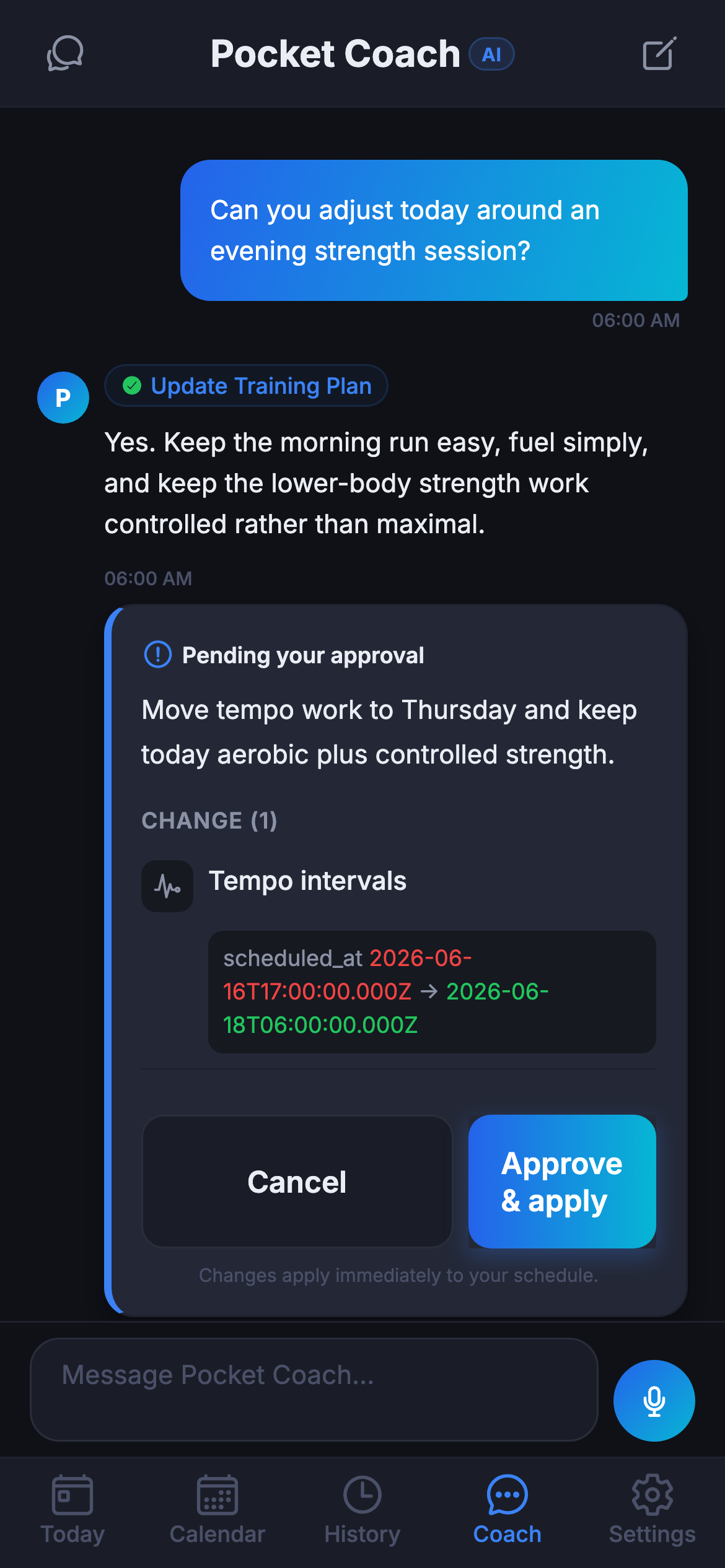
Move endurance run to Saturday

Tomorrow becomes 35 min easy. Saturday becomes 65 min endurance. No change to Friday strength.

Approve Edit
I’ll update the calendar once approved.
Ask about the plan

Coach is chat plus executable workflow.

The website positioning is strongest here: PocketCoach is not a chatbot, it is the place where coaching turns into calendar and workout actions.

  • Approval cards look like workflow objects, not normal messages.
  • AI disclosure stays visible but calm.
  • Voice and text both feed inspectable context before action.
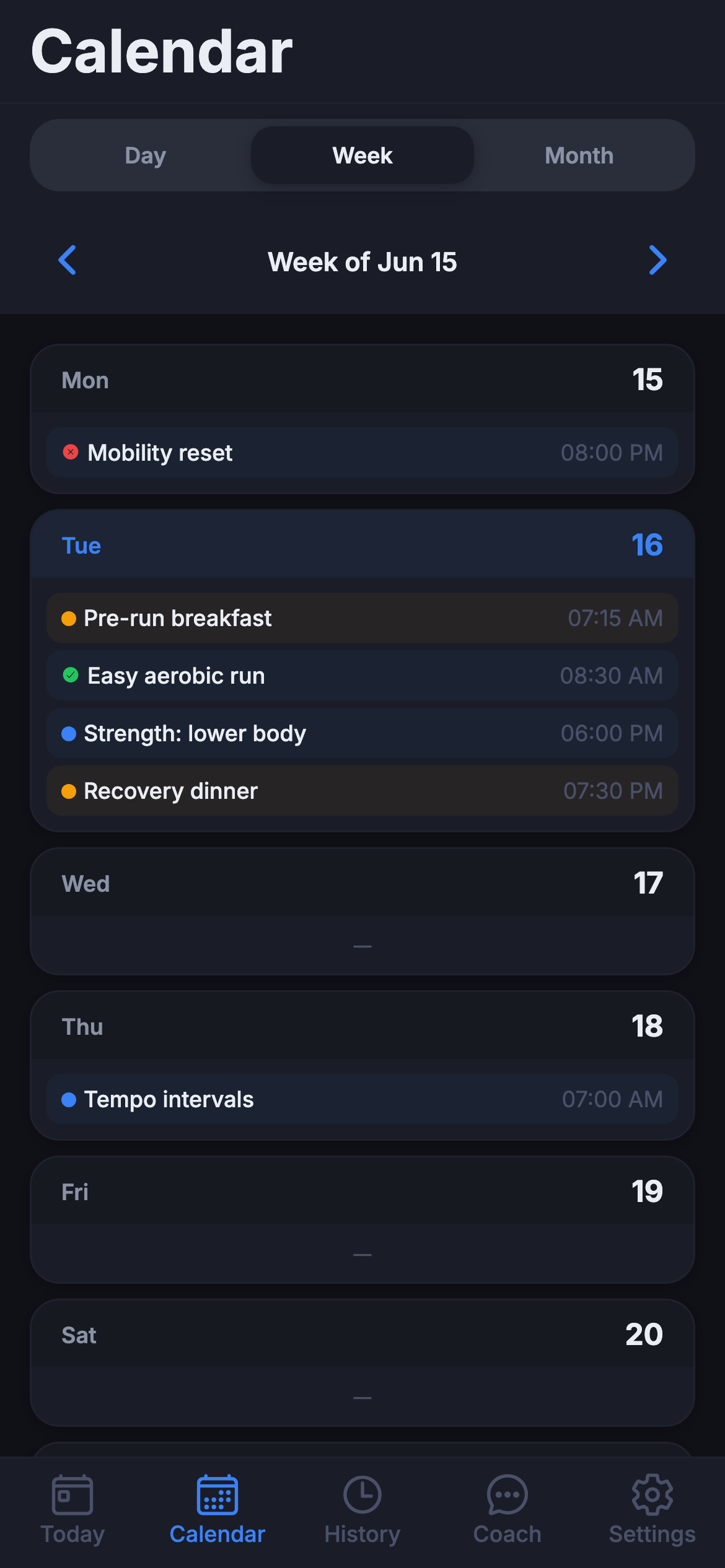
Baseline Current Calendar week screenshot
Concept 03
9:41100%

Calendar

Week
MTWTFSS
This week
4:35planned
82%on track
1adaptation
Easy run
Today · 18:30 · moved
New
Tempo ride
Wed · 07:00 · unchanged
Ready
Strength
Fri · lunch window
Fit
TodayCalendarCoachHistorySettings

Calendar is the proof that coaching leaves the chat.

The redesigned calendar should make changed sessions obvious, but calm. No guilt-heavy missed states, just the next useful action.

  • Selected day uses Flat Blue, moved sessions use Volt.
  • Sport colors stay functional, not decorative.
  • The week summary shows whether the plan is still realistic.
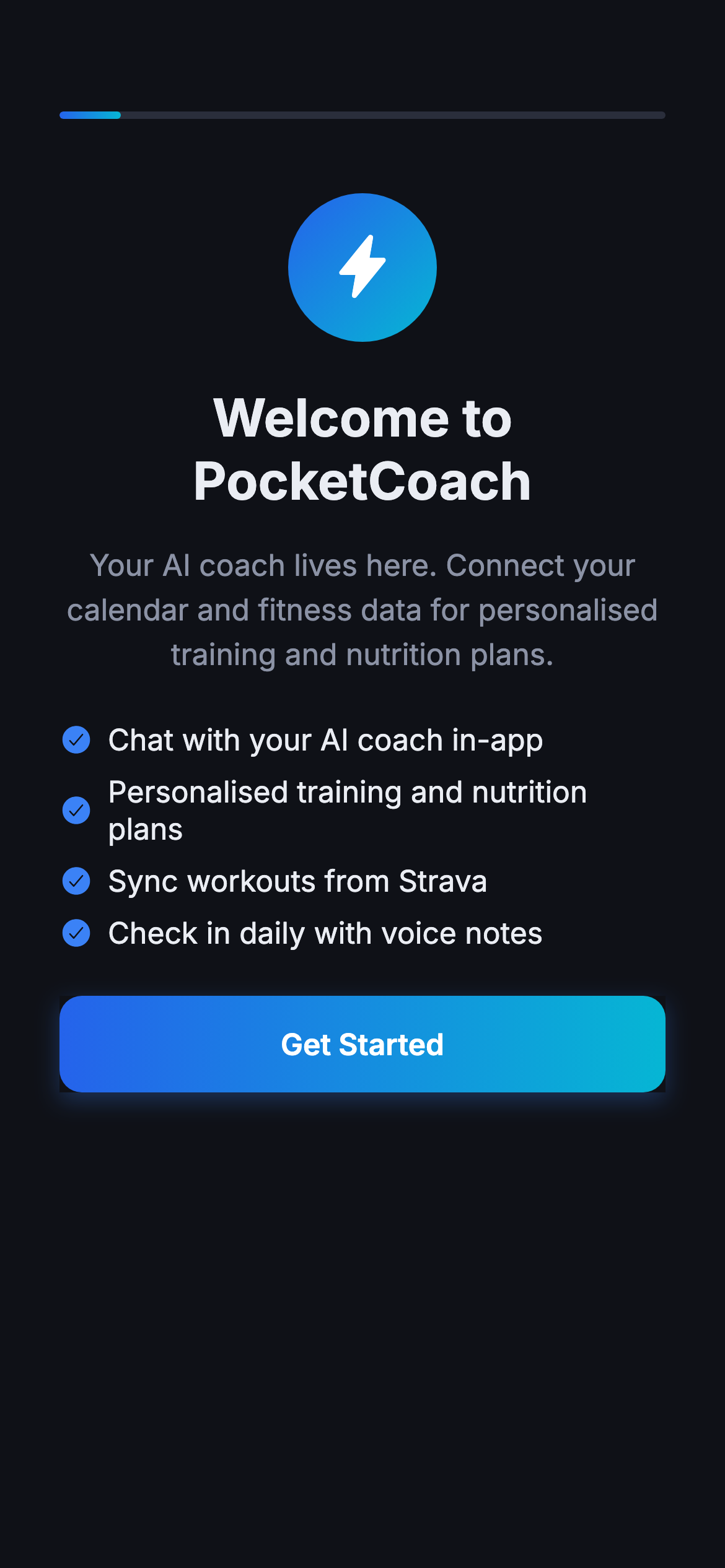
Baseline Current onboarding welcome screenshot
Concept 04
9:41100%
PC PocketCoach

AI coaching that fits the week you actually have.

Tell PocketCoach your goal, your schedule, and what changed. The coach turns that context into sessions you can act on.

Build my first week

Onboarding previews the real product loop.

Rather than generic feature slides, onboarding should teach the core behavior: chat, plan, calendar, train, adapt.

  • Use the website mark and cobalt hero language.
  • Use product receipts instead of abstract AI graphics.
  • Keep the promise practical: your week changed, your plan should too.
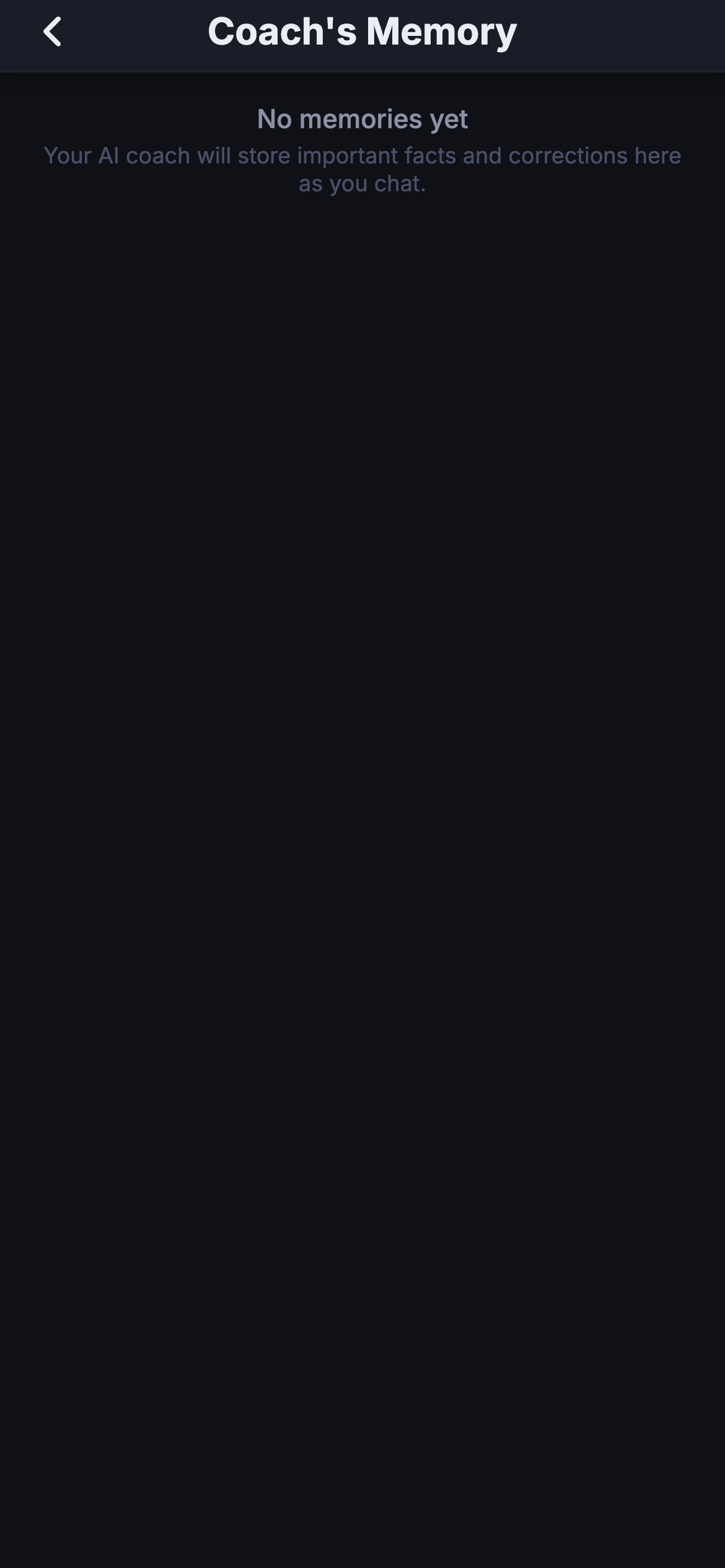
Baseline Current coach memory settings screenshot
Concept 05
9:41100%

Trust

Visible controls
Coach memory

Your coach remembers what you choose to keep. Review, edit, or delete any item.

Training goal
Half marathon in September
Edit
Schedule constraint
Tuesday mornings are unreliable
Edit
Strava sharing
Workout summaries only
TodayCalendarCoachHistorySettings

Trust and memory become first-class UI.

The brand direction is explicit about boundaries. Settings should feel like a product feature, not a legal filing cabinet.

  • Memory is visible, editable, and deletable.
  • Connected apps show exactly what data moves.
  • Consent screens stay calm, direct, and conservative.

The design system shift is mostly tokens and discipline.

The redesign should begin with shared primitives, then move through the screens. That keeps the app coherent when the second screenshot pass happens.